
Recognize a transactional email
The sender details tell you whether a message comes from the platform alone or for an Operator. The message can be a sign-in code, an invitation, or an address-verification request.
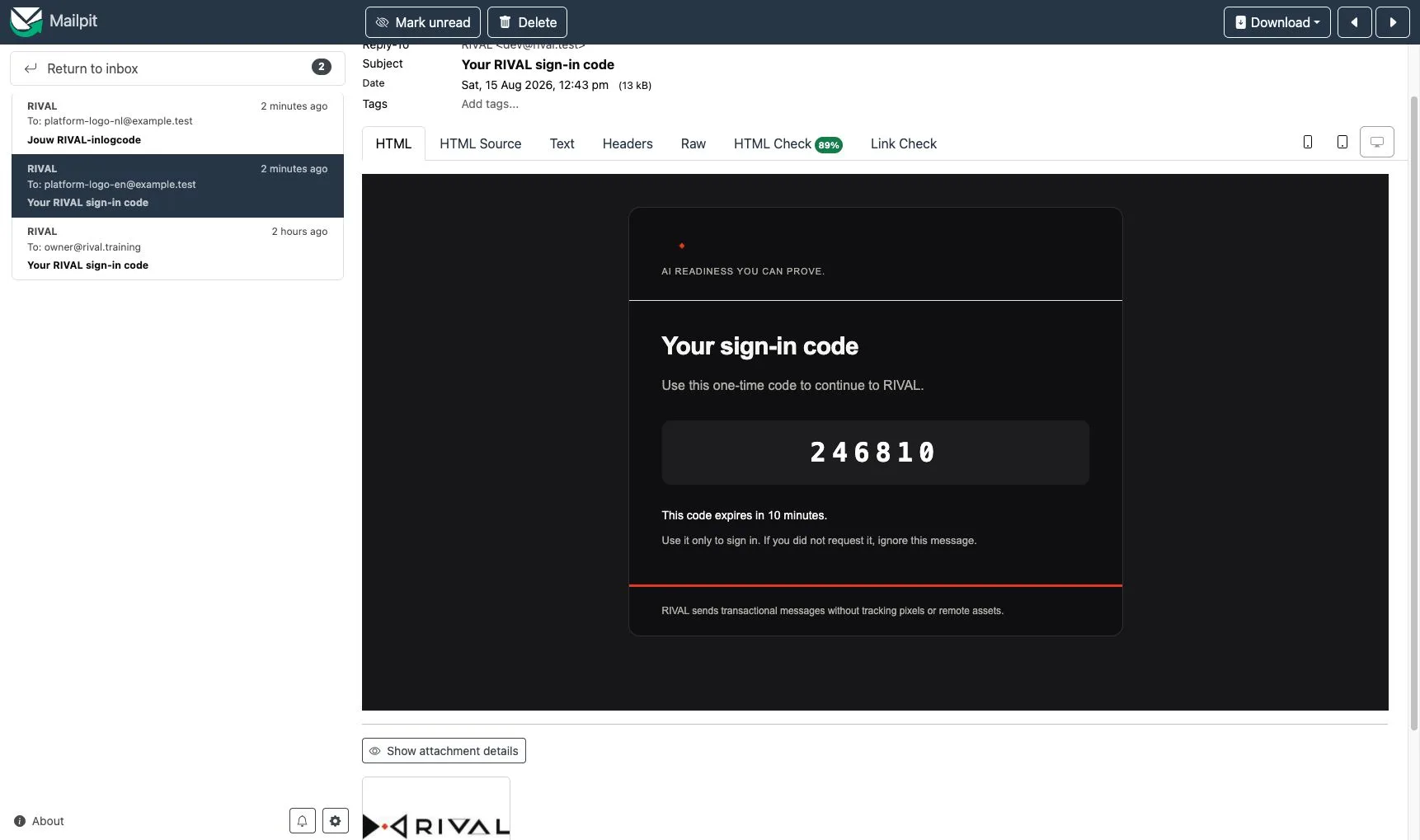
The message carries the configured platform logo as part of the email. It does not load the image from a remote server. If the logo is unavailable, the platform name appears as text and the rest of the message stays complete.
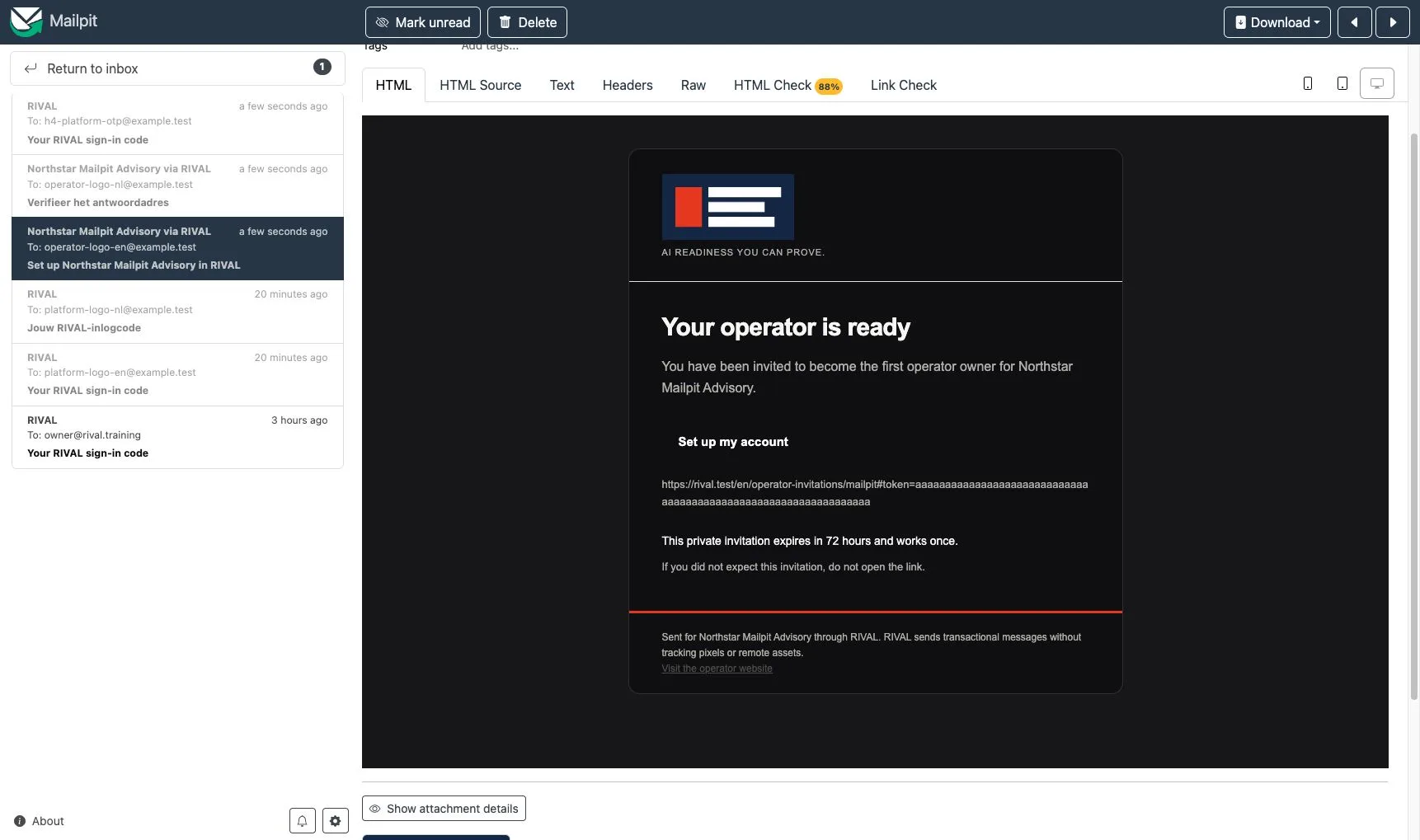
Message for an Operator
An Operator message uses this sender-name pattern:
Operator name via RIVAL
The sender address stays on the platform mail domain. A reply goes to the Operator only when its reply address is verified. Otherwise, the reply goes to the platform address.
The footer identifies both the Operator and RIVAL. It can also link to the Operator's verified HTTPS website.
When the Operator has an active logo, that logo appears above the message. The alternative text names the Operator first and RIVAL second. If the Operator logo cannot be read, the message uses the platform logo and then the platform name as its final fallback.
Security message before you select a workplace
A sign-in code does not select one Operator. Its sender name, logo, and footer identify RIVAL only. The message does not reveal an Operator, even when your account can enter more than one workplace.
If a message is unexpected
Do not use an unexpected code or private link. Check that you expected the action and that the message names the right Operator when one applies.
Contact the person who manages your access if you cannot confirm the message. An Operator Owner can check the current email identity from the application account menu.