
Explore the demo
The demonstration site offers two fixed fictional accounts. You do not need an emailed sign-in code.
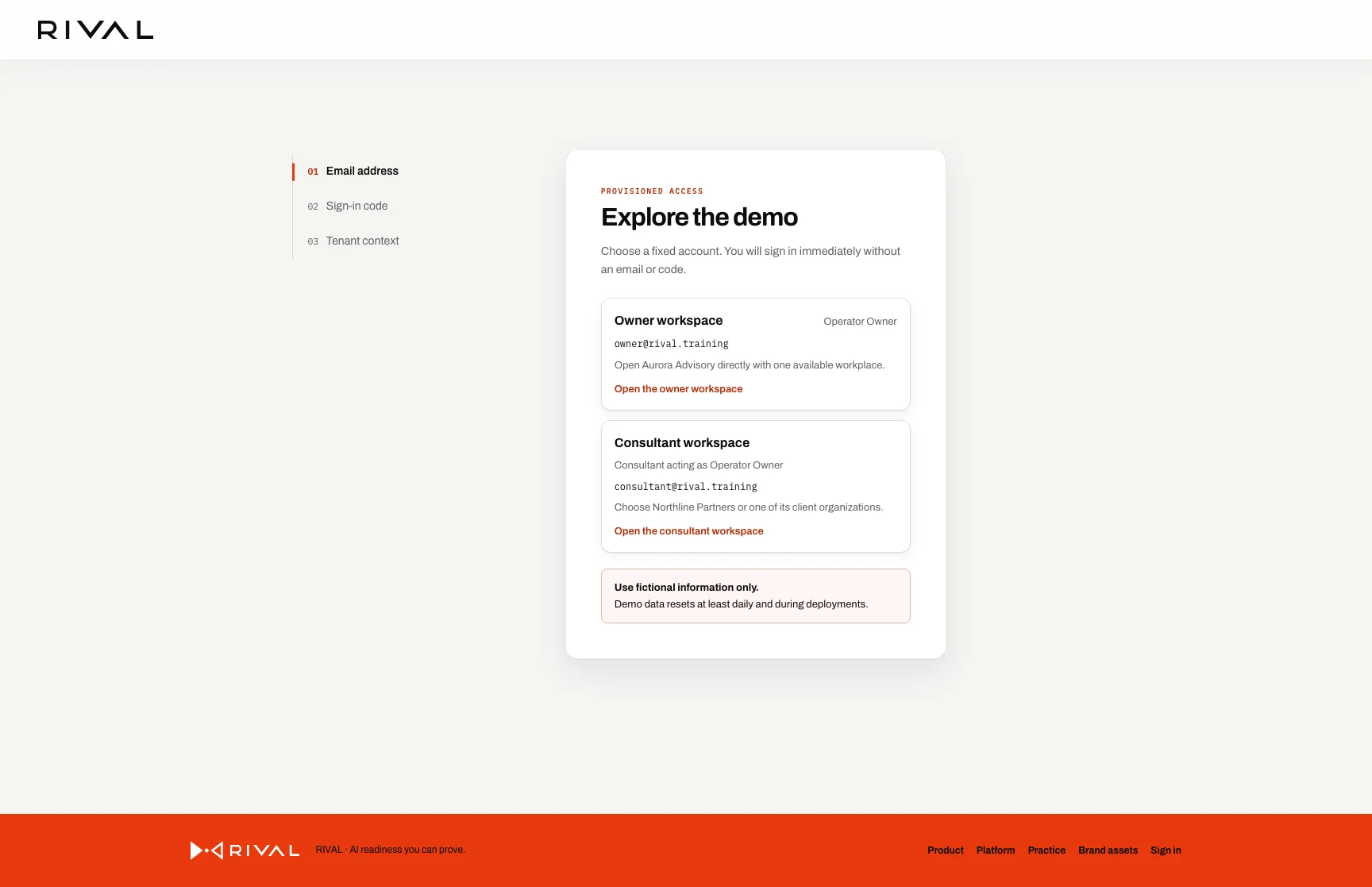
Choose an account
- Open the demonstration sign-in page.
- Select Continue as owner to enter the Aurora Advisory workspace directly.
- Select Continue as consultant to open the workplace chooser for Northline Partners and its client organizations.
The account choices use [email protected] and [email protected]. The application starts the same protected session that follows a successful one-time-code sign-in. It does not create a code or send an email.
Keep the demo fictional
Use fictional information only. A notice stays visible before and after sign-in.
The demonstration data resets after each deployment and at least once each day. Anything that you add can disappear at the next reset.
If an account is not available
Refresh the sign-in page after the next reset if a published account is unavailable or its data looks incomplete.
Wait 15 minutes if the page reports too many attempts. Then select the account again.
Every other account and environment uses a one-time code. A typed or crafted email address cannot extend the two demo choices.